
How to access the video preview page
Edited
Whenever you just want to preview your video, or you need one of the following:
For all of the above, you will need to get to the hosting side of Wave.video platform.
There are 2 ways for how you may access it:
Option #1
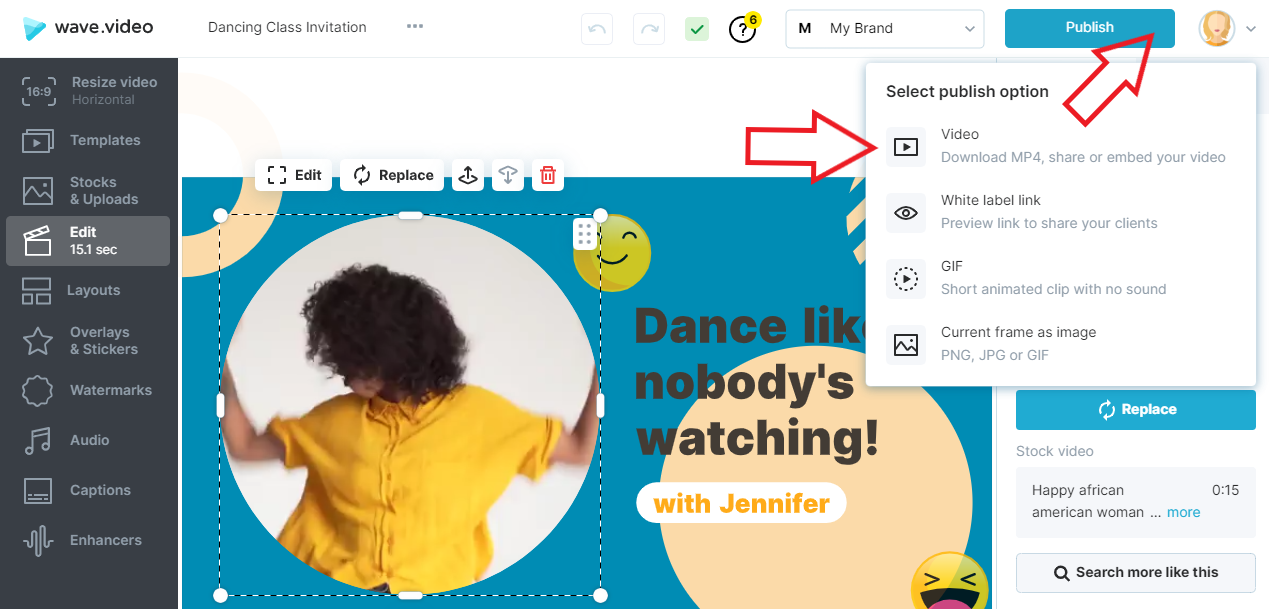
In the Editor, go to the 'Publish' step and render your video.
'Go to video' button will appear. Click on the button to get to video preview page.
Option #2
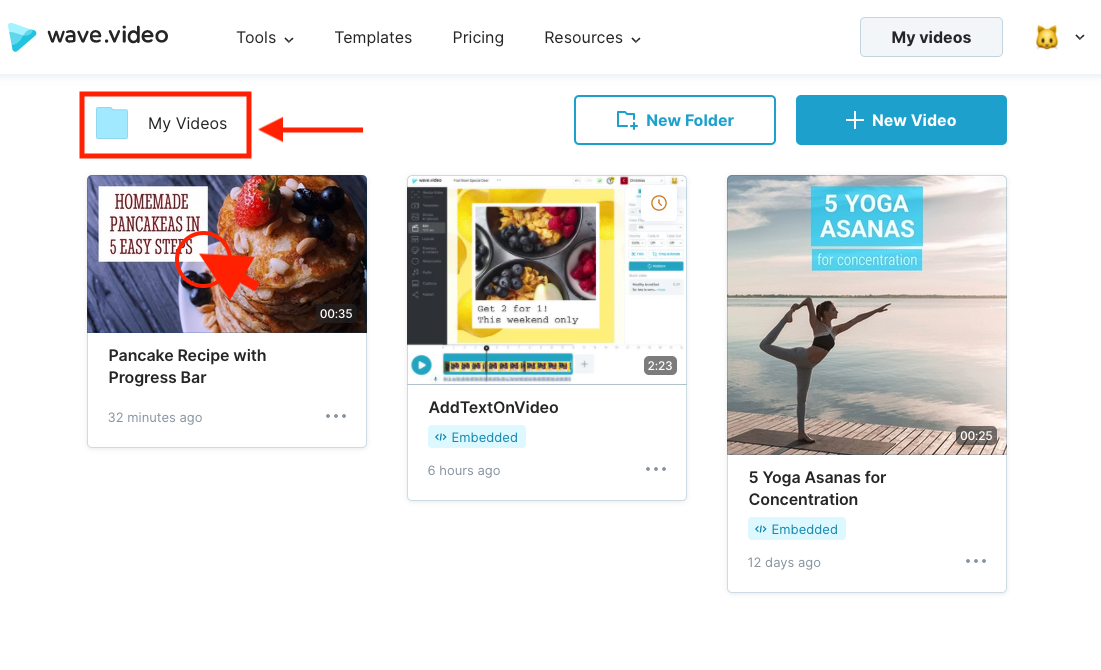
In'My videos' space click on the video you want to preview.
Here, on the hosting side of the platform,
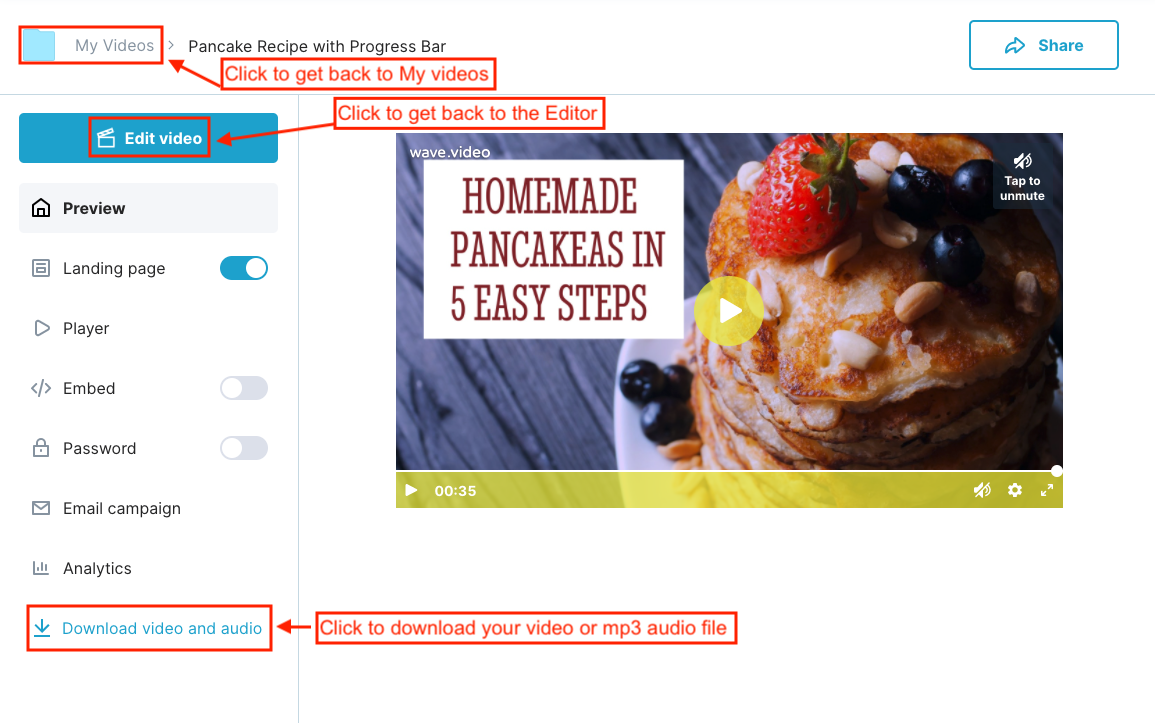
More features are coming to the hosting side of Wave.video.
Please check the updates often